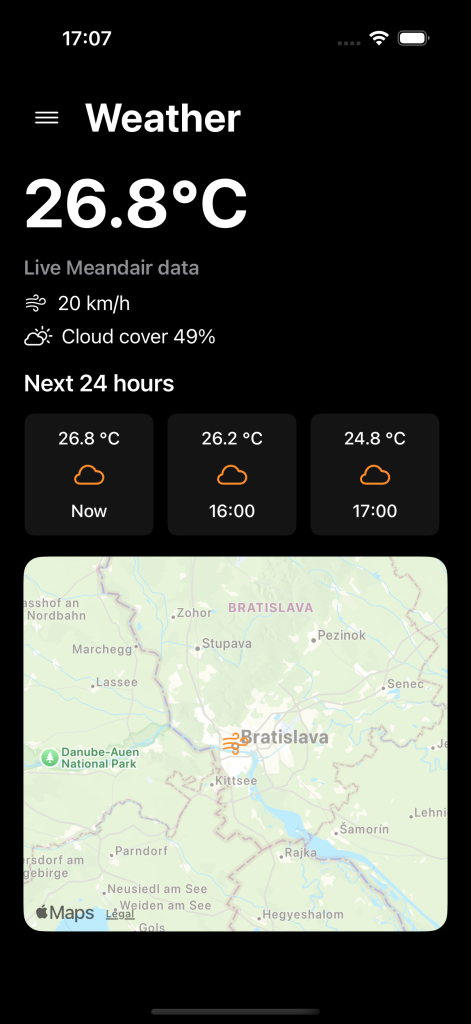
After Phase 1, Meandair had a pretty simple UI. It showed some weather information, did its job, and gave me something to build on. Was it beautiful? Well… let’s just say it looked like something from 2018.
You know the joke: 2018 called and wants its design back.
Yes, it sounded better in my head.
Anyway, for Phase 2, I wanted something a little more modern. A bit of a 3D feel, but not too much. Clean and simple, but not boring. And definitely something that wouldn’t make me question my design choices every time I opened the app.
The goal was simple: make checking the weather easier, faster, and a little prettier.

Your Weather, at a Glance
One of the first things I wanted to improve was how the weather information was displayed.
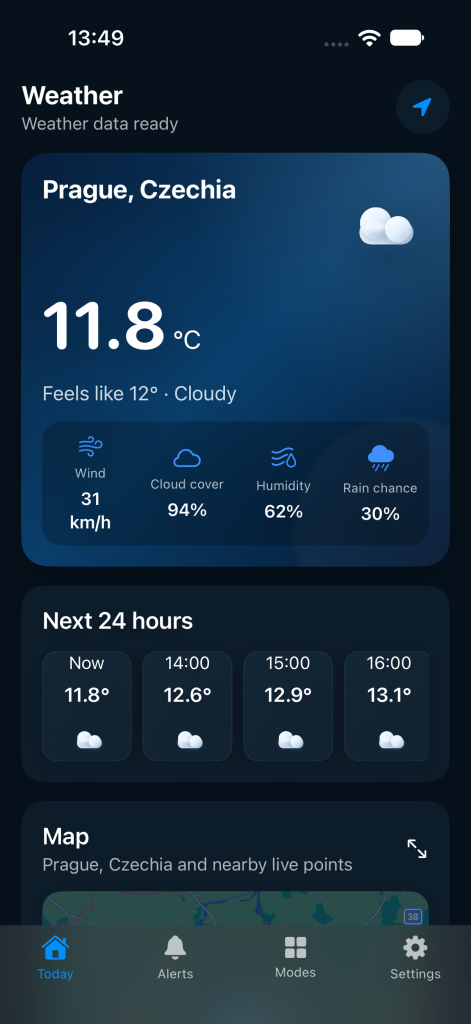
The old UI worked, but everything felt a little too basic. So I redesigned the weather cards to give each part of the forecast its own space, from current conditions to the hourly forecast.
I wanted to open the app and immediately see what matters. No searching around for the temperature or trying to figure out where the important information is hiding.
I also wanted the screens to feel like they belonged to the same app. You know, instead of looking like I designed each one on a completely different day. Which, to be fair, might have happened.
Am I happy with the result? Yes, actually.
Is it the best UI ever created? Probably not. But I think it looks pretty good, and that was one of my main goals for this redesign.
Light or Dark, Your Choice
Of course, a UI redesign wouldn’t feel complete without light and dark mode.
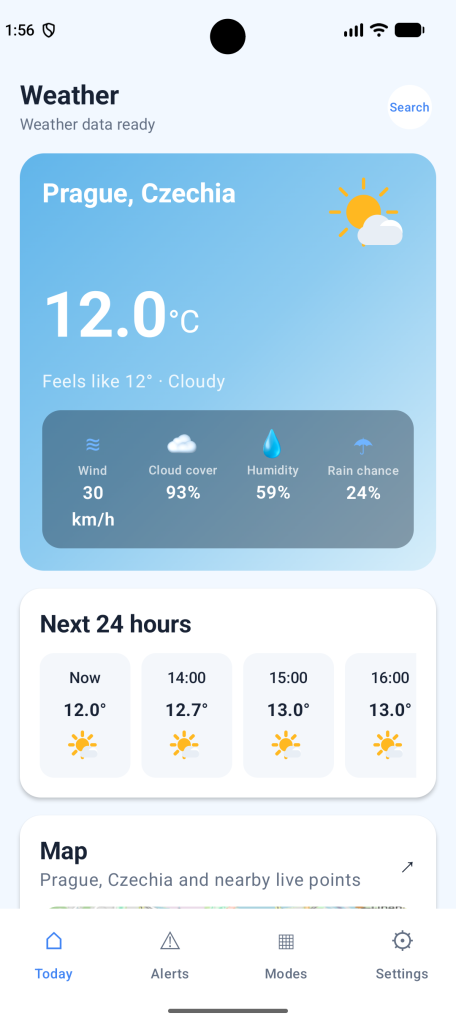
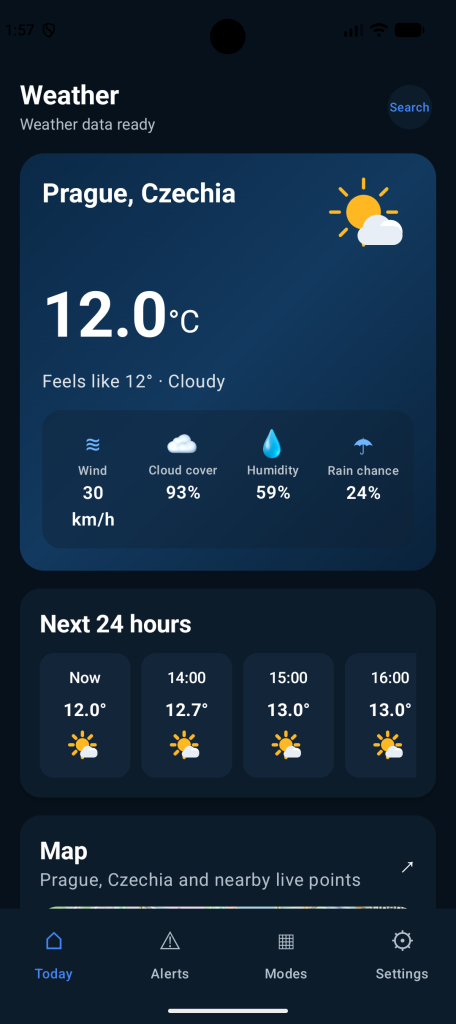
I wanted both themes to feel like they were actually designed, not just the same colours inverted and called a day.
So I worked on giving each theme its own colours and backgrounds while keeping the overall design consistent.
The app can follow your device’s appearance settings automatically, or you can choose the theme yourself.
Personally, I have a soft spot for dark mode. But I promise the light theme gets some love too.
Small Screens Matter, Too
Last month, I bought a new Samsung Galaxy Z Flip8. And I love the cover display.
Why? Because it saves me so much time.
I can quickly check a notification or read a message from work (or my mom) without opening my phone. And, more importantly, without accidentally spending the next 20 minutes scrolling through something I didn’t even plan to look at.
Love the phone. Love the tiny screen.
And then I thought: wouldn’t it be nice to check the weather the same way?
Just a quick look at the temperature or forecast without opening the whole phone.
So I started working on adapting Meandair’s UI to smaller screens, including the cover displays of foldable phones.
Of course, less screen space means less room for everything. And weather apps tend to have quite a lot of information to show.
The challenge is keeping things readable and useful without trying to squeeze the entire app onto a tiny display.
The idea is simple: you should be able to check the weather in a few seconds and get on with your day.
No unnecessary taps. No hunting for information. And hopefully, no accidental scrolling sessions.

Still a Work in Progress
This UI redesign is just one part of Phase 2, and there’s still more work ahead.
I’m sure I’ll find something I want to change again. That’s usually how it goes. You finish a design, feel happy about it, and then two weeks later notice that one little thing that suddenly bothers you every time you see it.
But for now, I’m happy with where Meandair is heading.
It’s cleaner, more consistent, and finally feels a little closer to the weather app I had in mind.
And hey, at least 2018 can stop calling now.
What do you think of the new look? I’d love to hear your thoughts, especially if there’s something you think could be improved.






Leave a Reply